How to remove unwanted objects from AI photos
remove-object-from-photo
Written By @levelsio
Last updated 11 months ago
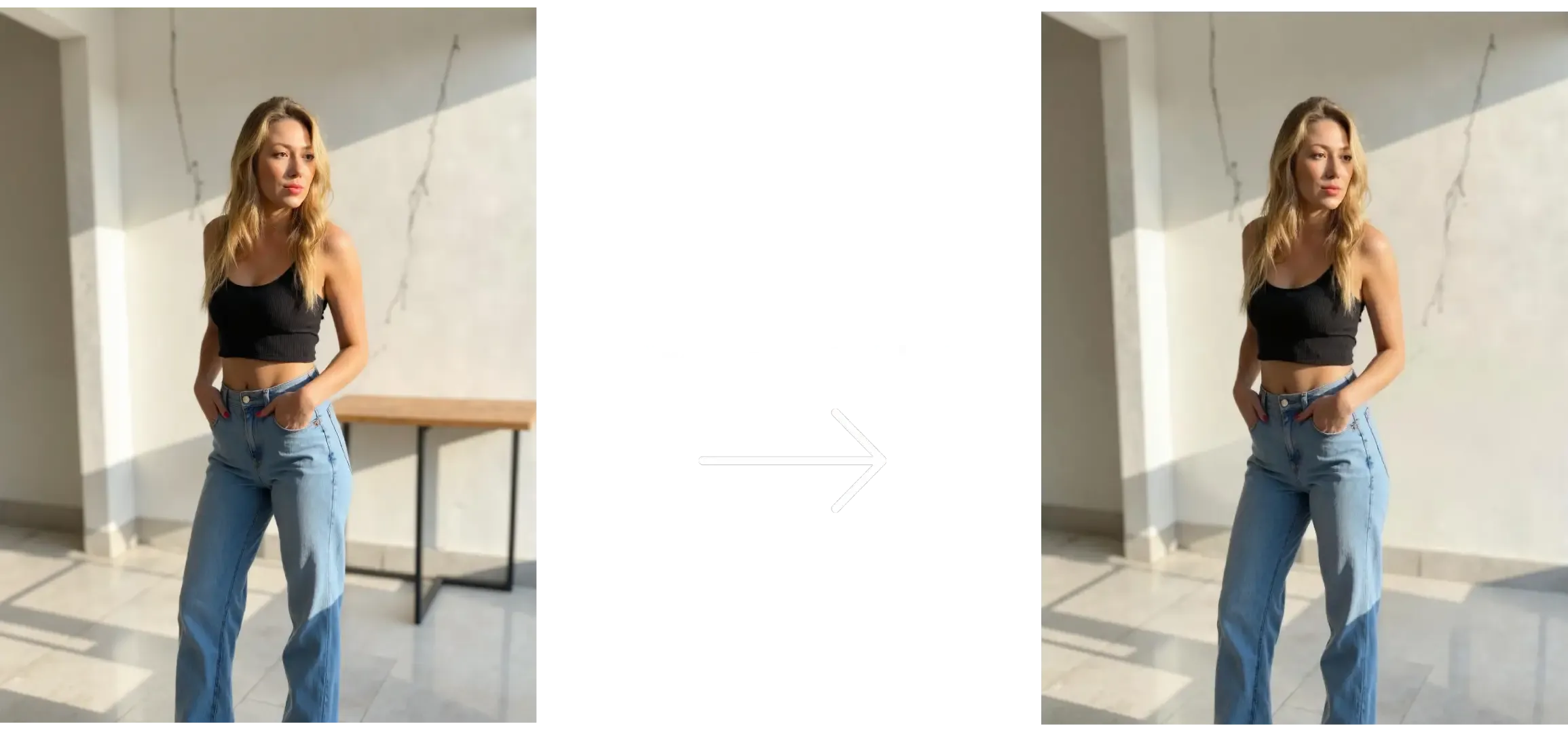
Sometimes your AI-generated photos look great… except for one annoying object in the background — maybe a table, a person, or something random that ruins the vibe. With Photo AI, removing those is easy.
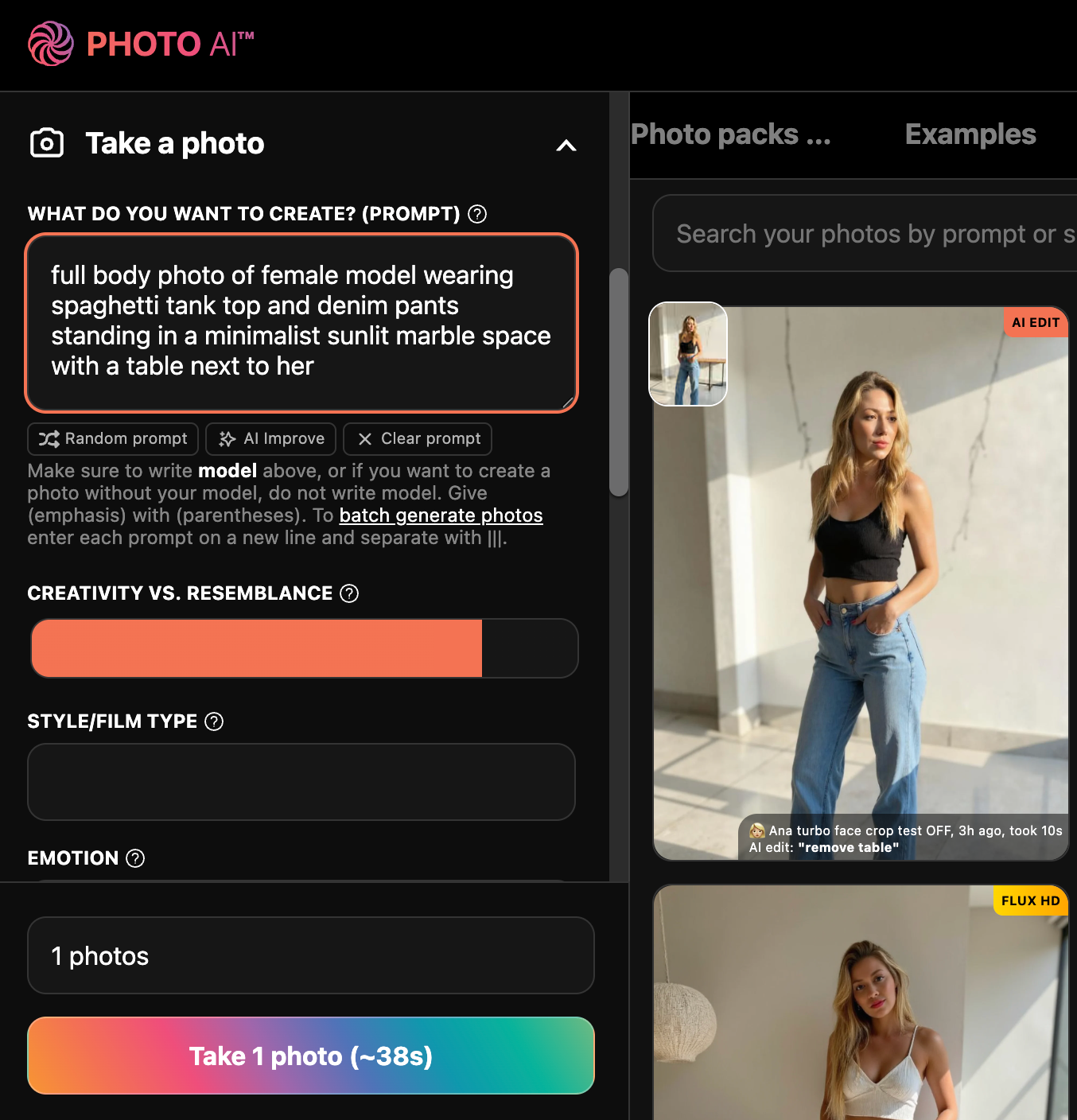
1. Take a photo or import your own
You can either take a new photo with Photo AI:
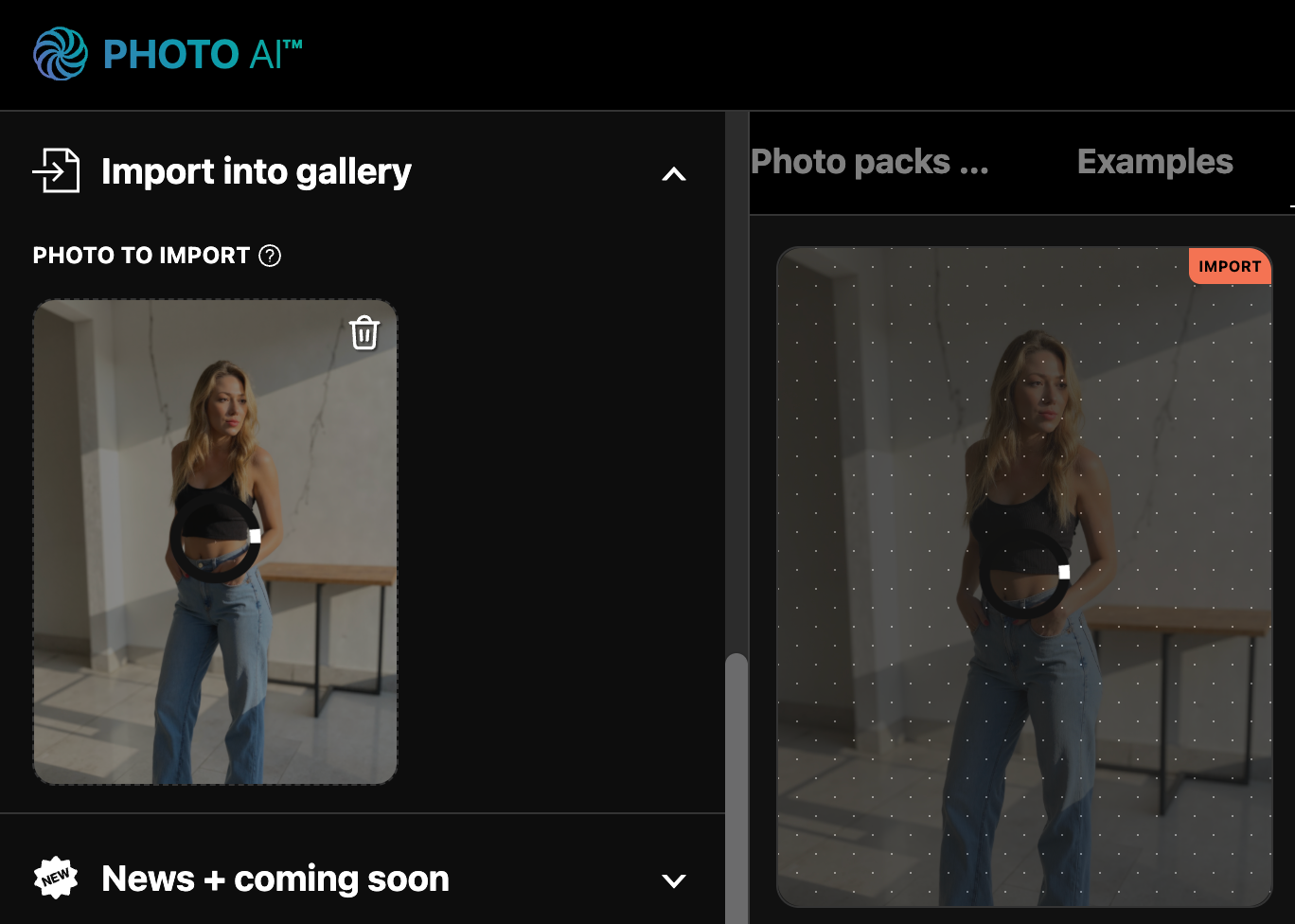
Or import your own photo:
2. Edit your photo
Tap and hover on the photo you want to edit:
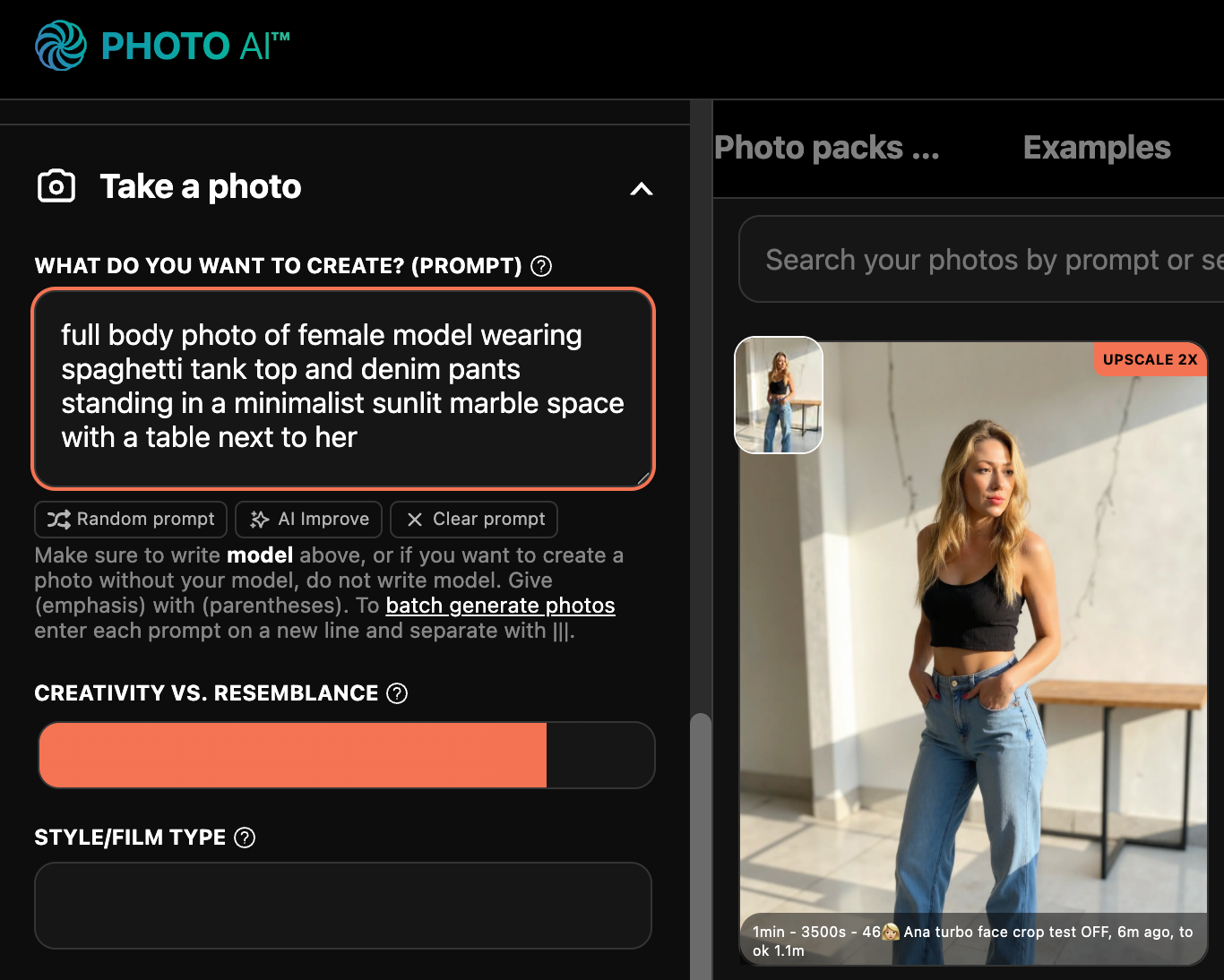
Now tap [ Magic Edit ]:
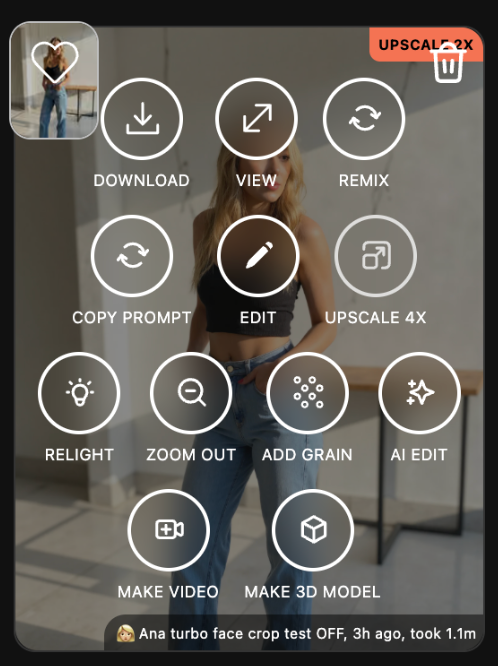
3. Describe what you want to remove
In the popup, describe what you want to remove. For example: “remove table” in the background remove the text on the wall
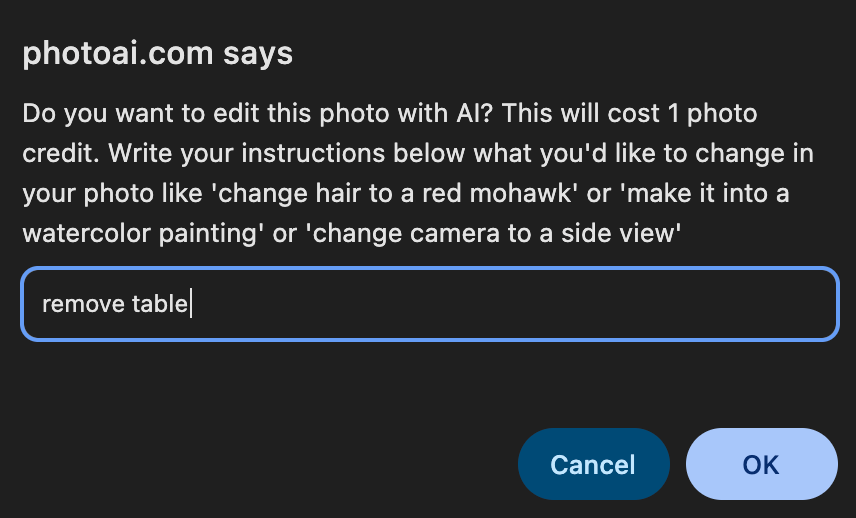
Hit enter and wait 10–20 seconds. Photo AI will automatically edit the photo and show you the result.
4. Done!
There is your final photo, without the table!

This is perfect for cleaning up your AI shots before posting, especially when you’re working with fashion shoots, product displays, or portraits.
Try [ magic Edit ] now on Photo AI and make your images clean and distraction-free!