Brush edit not working properly at all
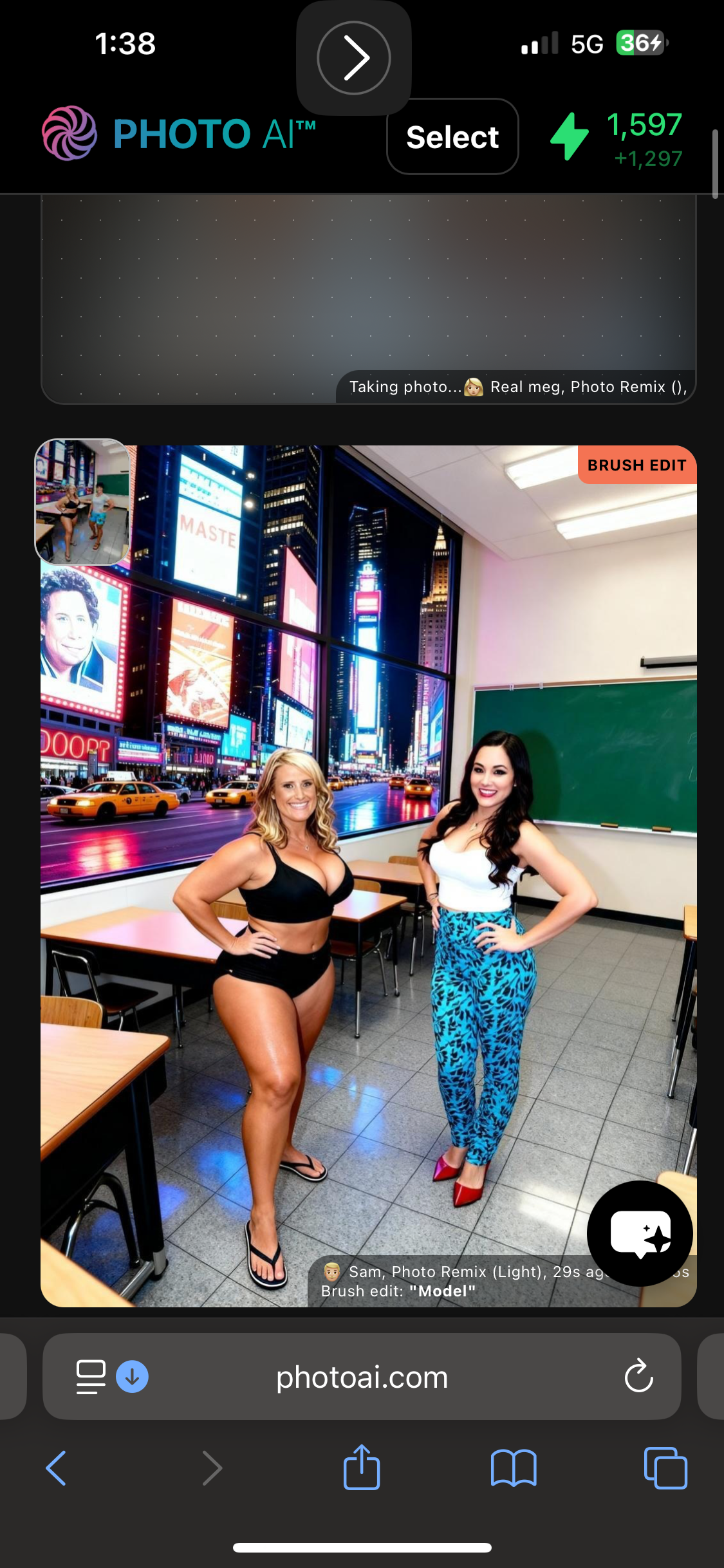
In the past (and according to your instructions still on the page) when you want to edit a photo by removing one model and replacing them with another model, you first select the model you want to insert into the photo, then highlight the person in the photo that you want to replace, then use “model” as the prompt. Somewhere along the way that stopped working. And I’ve lost a lot of credits relying on the instructions that are given. The person that is included in the photo is absolutely not the model I selected. Not even close. See my photo below. I have no clue who the woman on the right is, but I don’t have a model that looks anything like her. And the model I selected to insert into that photo is a MALE anyway. Really like this feature to start working again and to get some coin back for all the wasted shots with totally random people in them. Appreciate your work as always
Log in to comment and vote
Comments1
@levelsio
Feb 5
Fixed now and updated it to Nano Banana Pro Inpaint!